
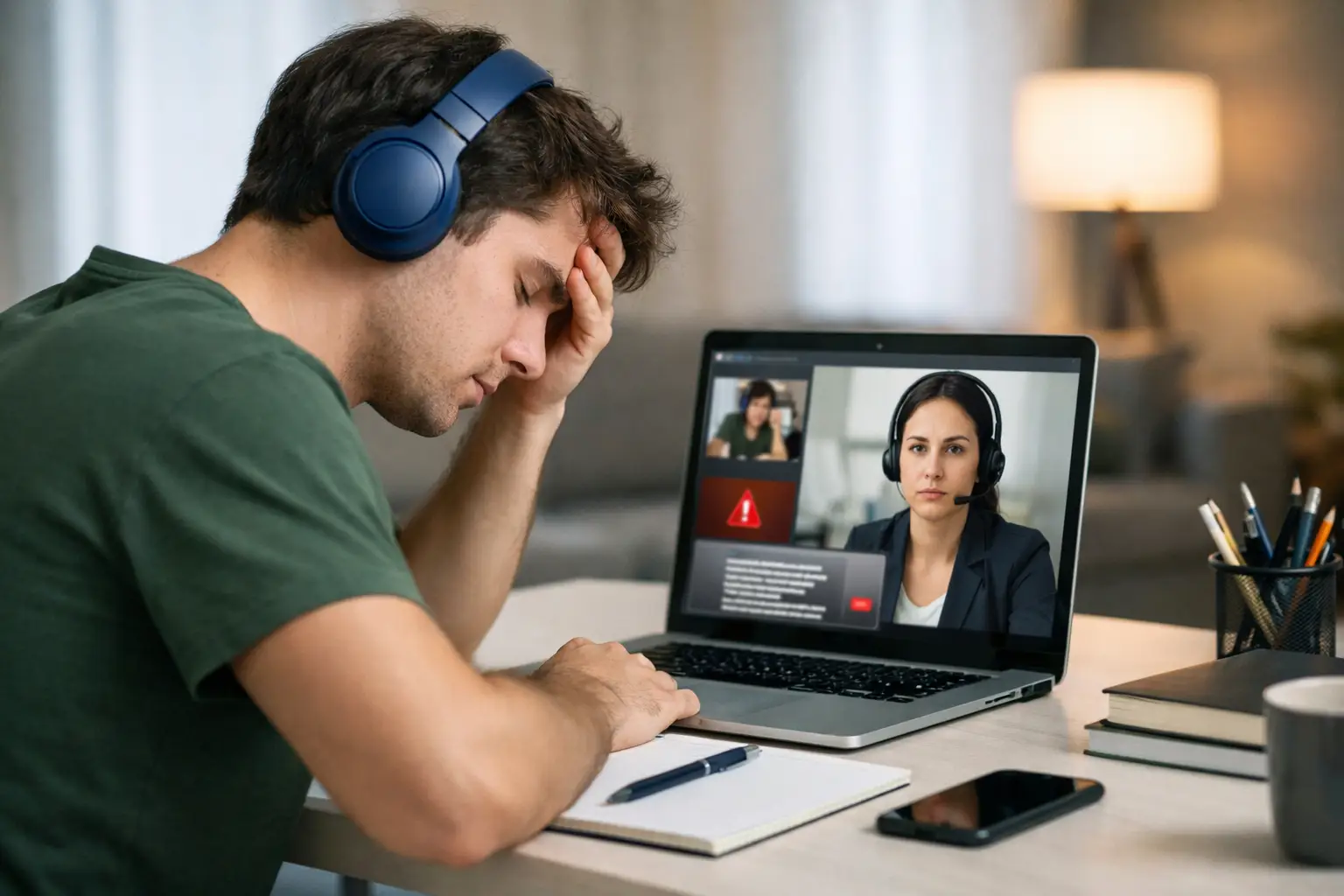
A remote amateur radio exam can be taken from a familiar room, but it is still an official FCC licensing examination. The top mistakes during remote proctoring usually are not about radio theory. They are small preparation issues: a cluttered desk, an unreadable photo ID, an unstable internet connection, or a candidate who joins late because they did not allow time for check-in. Fortunately, most are preventable with a calm, deliberate setup.
Remote proctoring protects the integrity of the exam for every operator who has earned a license. It also gives candidates the convenience of testing from home. Understanding what the Volunteer Examiners need to see, and preparing your space before the session begins, can make the experience far less stressful.
Top Mistakes During Remote Proctoring to Avoid
Treating check-in as an afterthought
Candidates sometimes think their appointment time is when the questions will appear on screen. In reality, the session may begin with identity verification, instructions, and a view of the testing area. That process takes a few minutes, particularly when several candidates are scheduled for the same session.
Joining at the last minute creates unnecessary pressure. You may need to update Zoom, locate a charger, adjust camera permissions, or respond to a request from the exam team. Plan to be fully ready early, with the meeting information available and your computer already connected to the internet.
This is not about making the process difficult. A timely, organized check-in helps the Volunteer Examiners keep the session moving fairly for everyone.
Using an incomplete or unsuitable testing space
A kitchen table, home office, or quiet bedroom can often work well. The key is that the area must allow the proctors to verify that you do not have unauthorized materials or assistance available. A desk piled with notes, radio manuals, another computer, loose papers, or unrelated electronics can slow the room scan and may require you to relocate.
Before test day, clear your work surface and the immediate area around it. Close or remove materials you do not need. Choose a private location where family members, pets, and household activity are unlikely to interrupt you. If your space has a doorway behind you, let others in the home know that the exam session is in progress.
Do not try to guess what will be acceptable if you have an unusual setup. Instructions from your examining team take priority. If a proctor asks to see a particular area, follow the request promptly and respectfully.
Forgetting that camera placement matters
A webcam aimed only at your face may be fine for a video call, but a remote exam session can require a broader view. The proctors need to verify your identity and testing environment, and they may ask you to reposition the camera or use a phone camera for a room scan.
Test your camera before the session. Make sure it can focus clearly, has enough battery power if it is mobile, and can be moved without disconnecting you from the meeting. Good lighting matters as well. Avoid sitting with a bright window directly behind you, which can leave your face and ID in shadow.
A second device may be permitted for a required room scan, but it should not be assumed to be allowed for any other purpose. Follow the exam team’s instructions about when and how a phone may be used. Once the exam begins, keep only the equipment specifically approved for the session within reach.
Presenting ID that is missing, expired, or hard to read
Identity verification is a routine part of an ARRL-certified remote exam process. Yet candidates occasionally discover at check-in that their identification is expired, the image is blurry on camera, or the name does not match their registration details.
Review the identification requirements you receive before your appointment. Have the proper unexpired ID ready, not buried in a wallet or another room. When you show it on camera, hold it steady in good light and give the proctor a moment to read it.
If you have a name difference, a special accommodation question, or another administrative concern, address it before exam day whenever possible. Early communication gives the team an opportunity to explain the correct process rather than trying to solve a documentation issue while the session is underway.
Depending on weak internet or untested equipment
Remote testing depends on a reliable connection, working audio, and a device that can run the required meeting and exam platforms. A spotty Wi-Fi signal can cause frozen video, lost instructions, or an interrupted exam. It is frustrating for the candidate and may affect whether the session can continue.
Whenever practical, test from the exact location where you intend to sit for the exam. Restart your computer if it has been running for days, close unnecessary applications, and connect it to power. If your home network is busy, ask others to avoid heavy streaming, gaming, or large downloads during your appointment.
A wired connection can be more dependable than Wi-Fi, but it depends on your home setup. If Wi-Fi is your only option, sit where the signal is strongest. Keep a backup plan in mind, such as knowing how to contact the exam team if a technical issue prevents you from joining or staying connected.
Assuming scratch paper, calculators, or reference materials are automatically allowed
Many candidates prepare carefully for the technical questions, then make a procedural mistake by bringing items that have not been approved. Remote proctoring rules are designed to prevent access to outside information during the exam, so materials that seem harmless may still need to be removed or inspected.
Read the instructions for your specific session and follow them exactly. If an item is permitted, use it only as directed. If you are unsure whether a calculator, paper, pen, headset, watch, or other item is acceptable, ask before the appointment rather than making assumptions at check-in.
The same principle applies to browser tabs, notifications, and smart devices. Silence alerts and close anything unrelated to the testing process. An unexpected message or device activity can interrupt the exam and create questions that no candidate wants to deal with.
Trying to multitask during the exam
Once testing begins, give the exam your full attention. Do not answer a door, speak with someone off camera, look up information, or step away from the designated area unless the proctor instructs you to do so. Even an innocent interruption can require the team to pause and determine whether the exam conditions remain valid.
Tell household members ahead of time that you need uninterrupted quiet. Put pets in another room if possible. If an unexpected emergency occurs, stay calm and notify the proctor immediately. The right response depends on the situation, and the exam team will explain the next step.
Rushing through questions because the setting feels informal
Testing at home can feel more relaxed than sitting in a classroom, but the exam deserves the same focus. Read every question and every answer choice. Watch for words such as “except,” “not,” or “best,” which can change what the question is asking. If the testing platform allows you to review answers, use that option thoughtfully rather than changing answers at random.
For first-time Technician candidates, the unfamiliar process can be more distracting than the material itself. For General or Extra applicants, confidence from prior testing can sometimes lead to moving too quickly. In either case, a steady pace is usually better than a hurried one.
A Better Way to Prepare for Your Remote Exam
The day before your exam, create a short readiness check. Confirm your appointment details, acceptable ID, device, camera, internet connection, and quiet testing space. Clear the desk, charge the equipment, and review the session instructions one more time. On exam day, join early enough to handle check-in without rushing.
Middle Tennessee Exams is committed to making remote amateur radio testing convenient while preserving the standards that make an FCC license meaningful. A prepared candidate helps that process work as it should: professionally, fairly, and with less anxiety.
Your goal is not to create a perfect studio. It is to provide a clear, honest testing environment and arrive ready to demonstrate what you know. With the practical details handled before check-in, you can spend your energy where it belongs – earning the next step in your amateur radio journey.