A remote amateur radio exam can feel easy one minute and stressful the next – usually when you realize your desk is cluttered, your webcam angle is off, or your ID is somewhere in the house but not actually in your hand. If you are wondering how to prepare exam room space at home for a remote ham radio session, the good news is that most fixes are simple when you handle them ahead of time.
The goal is not to create a perfect room. It is to create a clean, quiet, compliant testing space that lets you focus on the exam instead of the setup. For online amateur radio testing, that matters more than most candidates expect. A few small adjustments can prevent delays, reduce nerves, and help your session move along without unnecessary interruptions.
Why your exam room setup matters
When you test remotely, your room becomes part of the exam environment. Volunteer examiners need to confirm that the space meets remote proctoring requirements, and you need a setup that supports concentration. If the room is noisy, poorly lit, or full of extra materials, it can slow down check-in and add stress before you answer a single question.
A well-prepared room also helps you feel more confident. Testing from home is convenient, but home has distractions that testing centers do not. Family members, pets, devices, notes from another project, and even a second monitor can become problems if they are still in the room when the session begins.
How to prepare exam room space before test day
Start with the simplest question: where can you sit alone, undisturbed, for the full session? For many candidates, that is a home office, dining room, or bedroom with a door. The best choice is usually not the fanciest room. It is the room you can control.
Try to avoid shared spaces if people may walk through them. A kitchen table might work if the house is quiet, but it is rarely the best option if others are moving around, cooking, or opening cabinets in the background. Privacy helps both with concentration and with the exam integrity standards remote teams are required to follow.
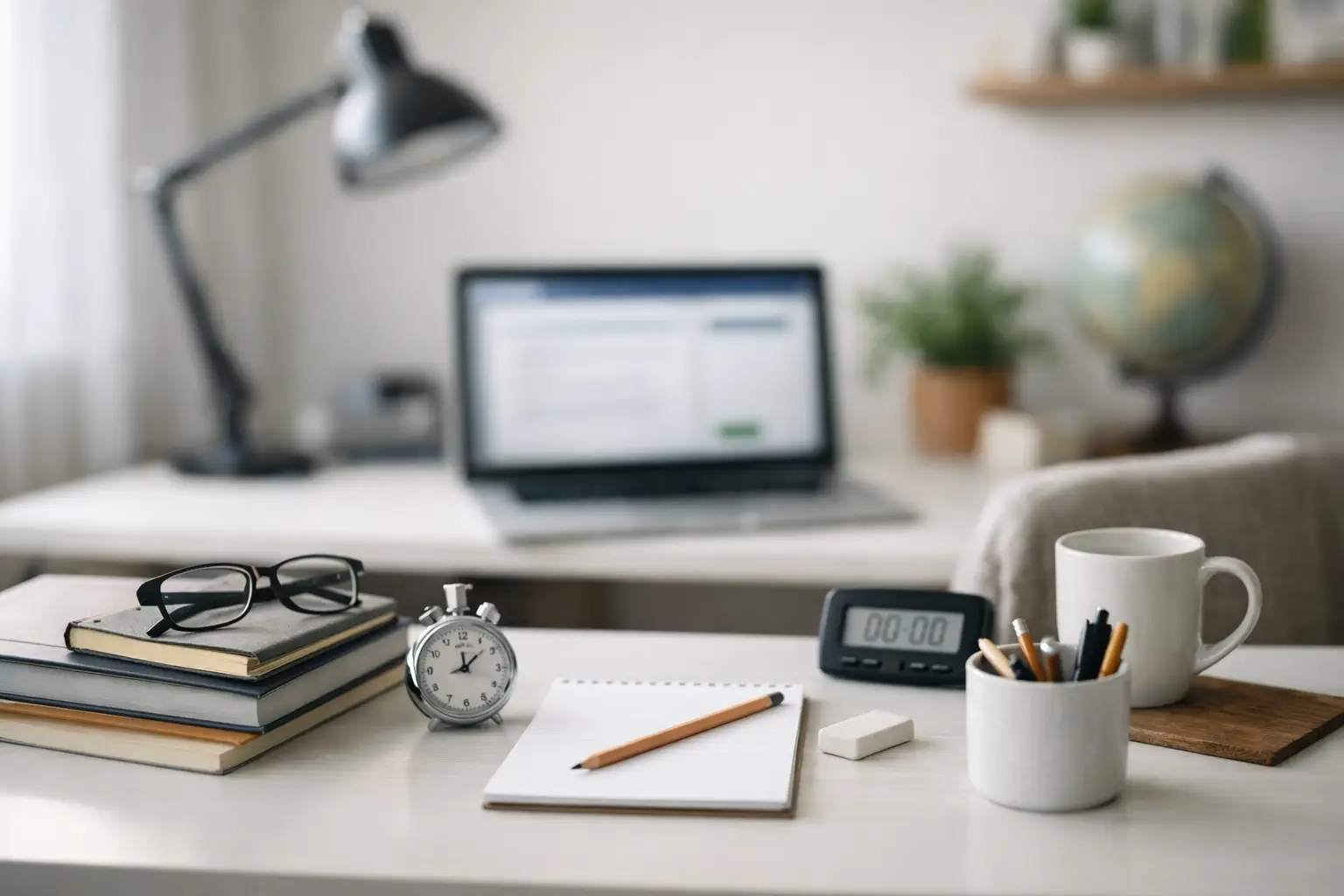
Once you pick the room, look at it from the perspective of a proctor. What is on the desk? What papers are visible? Are there books, extra screens, tablets, or radios within reach? The less visual clutter, the better. A simple workspace makes the check-in process faster and clearer.
Clear the desk and nearby area
Your desk should contain only the items permitted for your exam session. Exact instructions can vary by team, so always follow the directions you receive for your appointment. In general, your testing surface should be as bare as possible.
Remove notebooks, printed study guides, sticky notes, loose papers, and unrelated electronics. If you normally work at that desk, this is the step most likely to take longer than expected. Many candidates think their space is clean until they start noticing spare chargers, scribbled notes, old mail, or a second keyboard sitting off to the side.
Do not stop at the desktop. Look at the wall in front of you, shelves beside you, and the floor nearby if materials are visible. A room does not need to be empty, but it should not look like an active study station with resources available during the exam.
Set up your computer and camera properly
For remote ham radio exams, your computer setup is a major part of the room preparation. You want stable internet, a working camera, and audio that allows smooth communication during check-in and the exam itself.
Place your computer on a steady surface at a comfortable height. If the device wobbles every time you touch the keyboard, that becomes distracting. Position the camera so your face is clearly visible in good light. Overhead lighting can help, but natural light from a window may create glare or shadows depending on the time of day. Test this in advance instead of guessing.
If you use a laptop, think about the camera angle. A low angle can make it harder for proctors to see you clearly, while a very high angle can be awkward when you need to interact with the screen. The best position is usually eye level or slightly above.
You should also think about what the camera may need to show during check-in. Many remote exam sessions require a room scan or workspace view. Give yourself enough room to move the camera or laptop without unplugging everything or creating a tangle of cords.
Check internet, power, and audio
A strong room setup is not only about what is visible. It is also about reliability. If your Wi-Fi is weak in the chosen room, the quietest space in the house may not be the best testing location. Test your connection where you plan to sit.
If possible, use the room where your internet signal is strongest and most stable. If that is not practical, see whether moving closer to the router, reducing other household streaming, or using a wired connection is possible. A dropped connection during an exam is frustrating for everyone, and while issues can often be managed, prevention is better.
Plug in your computer if battery life is uncertain. Audio matters too. Make sure your microphone and speakers work clearly enough for instructions and questions during check-in. Remote testing is much smoother when candidates can hear and respond without repeating every sentence.
Control noise and interruptions
One of the biggest parts of learning how to prepare exam room space well is reducing interruptions before they happen. Let other people in your home know your exam time and ask for quiet during the session. If children, roommates, or family members will be home, be specific about the time window rather than saying you will be busy for a while.
Pets deserve planning too. A barking dog or curious cat can quickly turn a calm start into a distracted one. Sometimes the best solution is simply closing the door. In other cases, you may need to arrange for someone else to handle the pet during the exam.
Silence notifications on your phone, computer, tablet, and smartwatch. Even when devices are not being used, constant alerts can break your focus. This is one of those small details that candidates often remember only after a message banner appears on screen.
Have your required items ready
Preparing the room does not mean forgetting the basics you need for check-in. Place your photo ID where you can reach it quickly. If your exam team has asked for additional materials or documentation, set those aside in an organized way before the appointment begins.
This is also the right time to review the specific instructions you received after scheduling. Remote exam teams are careful because the process must meet standards, and those directions are there to help the session go smoothly. Reading them the night before is good. Reading them again about an hour before the session is better.
Middle Tennessee Exams, like other professional remote teams, depends on candidates arriving prepared so the session can stay efficient, secure, and low-stress for everyone involved.
Do a short practice run
The best way to reduce anxiety is to turn the unknown into the familiar. Sit down in your chosen room the day before your exam and do a five-minute rehearsal. Open the software you will use, check your camera framing, test your audio, and look around the room one more time.
This practice run helps you catch small issues that are easy to miss when you are in a hurry. Maybe the lighting is worse at your actual exam time than it was earlier in the day. Maybe your chair squeaks every time you move. Maybe the shelf behind you holds a stack of manuals you forgot about. These are not major problems if you catch them early.
Keep the setup simple
Candidates sometimes overthink room prep and create new problems. They add a folding table at the last minute, move to an unfamiliar part of the house, or try to build a perfectly blank background instead of using a normal room with fewer distractions. Simple usually works better.
Choose a quiet room, clear the workspace, test the technology, and follow the exam instructions you were given. That is the core of it. If something about your setup is unusual, it is better to identify it early and ask questions before test time than to hope it will not matter.
A calm room supports a calm exam
There is no single perfect answer for how to prepare exam room space at home because every house is different. What matters is whether your setup is quiet, clean, compliant, and reliable. A spare bedroom may be ideal for one candidate, while a corner office works best for another.
Give yourself a little time, do one careful check before your session, and let the room support the work you have already done to study. When your environment is ready, it is much easier to sit down, take a breath, and focus on earning the license or upgrade you came for.