If your closest exam session is an hour away, full by the time you find it, or scheduled on the one Saturday you cannot make, a remote amateur radio exam guide can save you a lot of frustration. Online testing has made it possible to earn or upgrade an FCC amateur radio license from home while still following the same standards candidates expect from an ARRL-certified exam team.
That convenience matters, but so does legitimacy. Candidates want a process that is recognized, organized, and fair. They also want to know exactly what will happen on exam day so they can focus on the questions instead of worrying about the technology, the rules, or whether they missed a step.
What a remote amateur radio exam guide should answer
The best guide does more than say you can test from home. It should explain how remote testing works, what equipment you need, how identity verification is handled, and what the proctors will ask you to do before the exam begins.
Remote amateur radio exams are not casual quizzes taken alone on a laptop. They are formal sessions run by volunteer examiners who follow FCC and coordinating body requirements. The format may feel more convenient than driving to a test site, but the standards are still serious. That is good news for candidates because it protects the value of the license you earn.
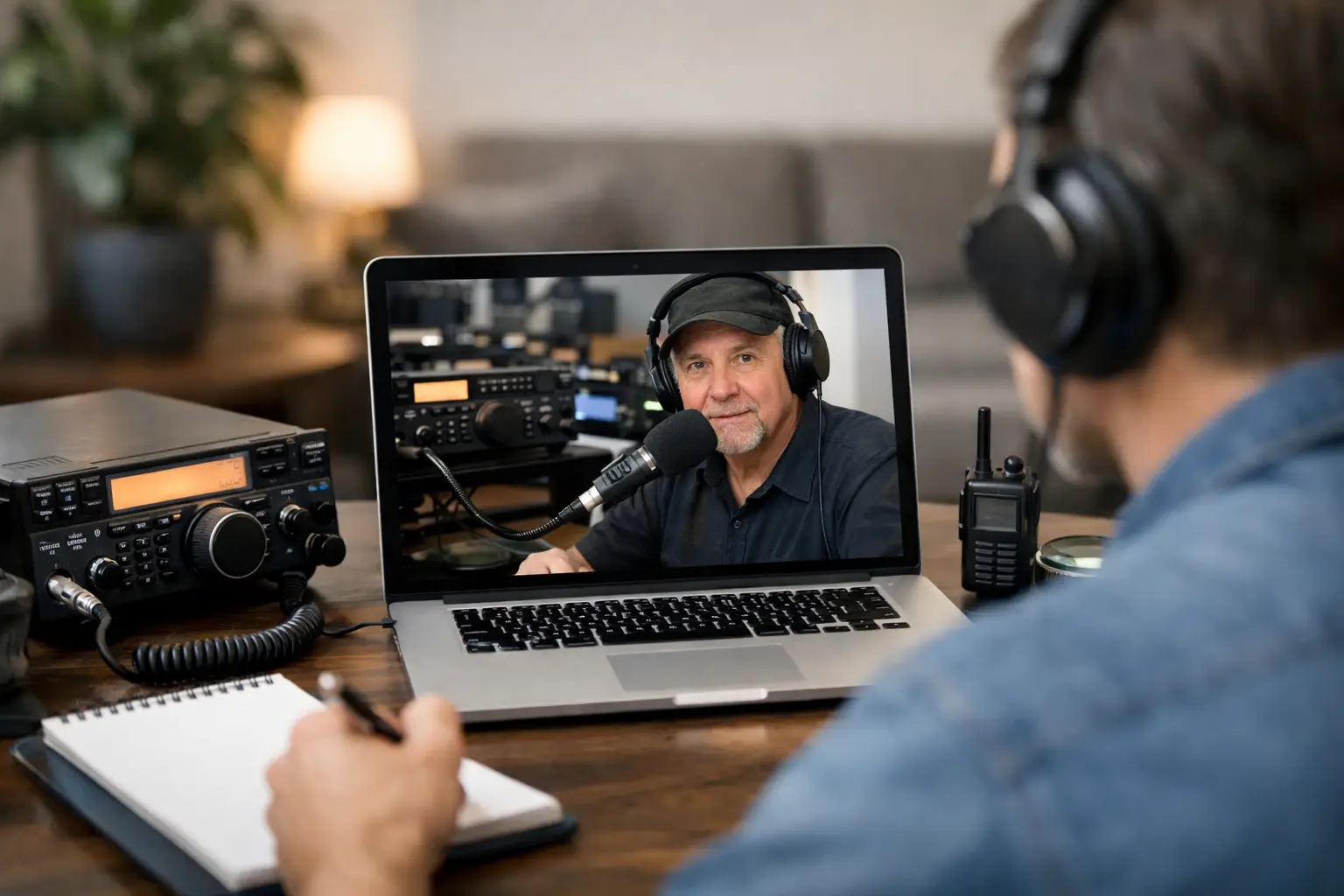
In most cases, the session is held over Zoom or a similar video platform. You will join at your scheduled time, meet the exam team, present identification, and show your testing space and computer setup. Once the proctors confirm that everything meets the rules, they will walk you into the exam itself.
What you need before exam day
Most candidates do best when they treat a remote session like any other appointment that matters. A little preparation lowers stress and helps the session start on time.
You will usually need a reliable internet connection, a computer with a camera and microphone, a quiet room, and a smartphone or second camera if the exam team requires an additional view of your workspace. Some teams use that second device to monitor your screen area, keyboard, and hands during the exam. If your provider has a specific setup procedure, follow it closely. Small details matter here.
You should also have your legal photo ID ready. If you are under 18 or do not have a standard driver license, the exam team may accept other forms of identification, but this is something to confirm in advance rather than on the spot. If you already have an FCC Registration Number, keep that available as well. If this is your first license, make sure you have taken care of any required registration steps before exam day.
The room itself matters more than many candidates expect. Clear the desk. Remove notes, extra monitors if they are not allowed, smart speakers, radios, tablets, and anything else that could raise questions. The goal is not to make the process difficult. It is to make the testing environment clearly compliant so you can move through check-in without delays.
How the remote exam process usually works
Every exam team has its own workflow, but the structure is generally similar. After joining the video session, you will check in with the proctors and confirm your identity. They may ask you to rotate your camera around the room, show the desk surface, and verify that no prohibited materials are within reach.
Next comes the technology check. The team may confirm that your audio works, that your internet connection is stable enough, and that your second camera view is positioned correctly if one is required. This is one place where patience helps. A good proctoring team wants to get you tested promptly, but they also need to make sure the session meets the standards expected of an official amateur radio exam.
Once everything is ready, you will receive instructions for accessing the exam. Some teams use an online testing platform with a controlled answer sheet or a secure digital process. Others may use a slightly different method. Either way, you should expect clear instructions and a chance to ask questions about procedure before the test starts.
During the exam, the proctors are there to supervise, not to rush you. They may ask you to keep your hands visible when not using the mouse or keyboard, maintain your camera position, and avoid looking away from the screen for long periods. If you need clarification on a procedural issue, ask. If you need help with a content question, they cannot assist, just as they would not at an in-person session.
Common concerns candidates have
The biggest concern is usually whether remote testing is really legitimate. The answer is yes, when it is administered by a qualified, recognized team following approved procedures. The exam content, passing standards, and regulatory framework do not disappear just because the session happens online.
The second concern is technology. That concern is fair. A weak internet connection or unfamiliar video setup can create stress. But most issues are manageable if you test your equipment ahead of time and read the instructions carefully. If your provider offers support before the session, use it. It is much easier to fix camera placement the day before than two minutes after your scheduled start.
Another common worry is test anxiety. Remote testing often helps here. Being at home can feel less intimidating than walking into a room full of strangers. On the other hand, some candidates find that managing the camera, desk setup, and ID check adds pressure. It depends on the person. The good news is that a well-run remote session is usually very structured, and structure tends to calm nerves.
How to prepare for a smooth remote amateur radio exam
Study is only part of preparation. Operational readiness matters too. The candidates who have the easiest experience tend to do three things: they verify their equipment, read every instruction from the exam team, and set up their room early.
A practice run helps. Open Zoom on the device you plan to use. Confirm that your camera shows you clearly and that your microphone is easy to hear. If a second device is required, place it where it can show your workspace without constant adjustment. Then check your lighting. A dim room can slow down check-in because proctors need to see the room and your ID clearly.
You should also think about interruptions. Let family members know you are testing. Silence notifications. Put pets in another room if possible. Close unnecessary apps. These steps may sound minor, but they reduce the chance that something distracting or suspicious appears during the session.
Timing matters too. Join a few minutes early, but not so early that you create confusion in a tightly scheduled session. Have water nearby if allowed, and use the restroom beforehand. Once the exam begins, you want all your attention on the test.
Why many candidates prefer remote testing
For many people, the biggest benefit is simple: access. A remote session removes the need to drive across town or across state lines to find an open seat. That is especially valuable for working adults, rural candidates, people with mobility concerns, and operators trying to fit an upgrade exam into a busy week.
There is also a practical comfort factor. Testing from home often feels more manageable than going to an unfamiliar location. That does not make the exam easier, but it can make the experience less draining. When candidates feel supported and know what to expect, they are more likely to perform at their actual knowledge level.
A strong remote team also shortens the time between effort and result. Clear scheduling, direct human support, and prompt post-exam communication can make a big difference. Middle Tennessee Exams, for example, has built its reputation around that combination of compliance, convenience, and a calm, professional testing experience.
Choosing a remote exam team
Not all remote sessions feel the same from the candidate side. Look for an exam provider that explains the process clearly, publishes expectations in plain language, and responds to questions before the appointment. ARRL certification and organized procedures matter because they signal that the team takes both service and standards seriously.
You should also pay attention to scheduling flexibility and communication. If a team makes it hard to understand what you need to do before the exam, that can create avoidable stress. A good provider makes the path clear, from booking through results, without making the process feel casual or loose.
Remote amateur radio testing works best when convenience and integrity are treated as partners, not opposites. If your exam team respects your time, explains the rules, and runs an orderly session, you can sit down at your own desk and focus on the part that matters most – showing what you know.