A ham radio exam should test your knowledge of radio regulations, operating practices, and electronics – not your ability to locate a testing site or guess what happens after you register. The ham exam appointment process for a remote session gives you a clear path from choosing a date to receiving your result, all from home.
For first-time Technician candidates and experienced operators pursuing General or Extra Class privileges, knowing what to expect removes much of the pressure. A well-organized appointment lets you focus your energy where it belongs: preparing for the exam.
How the Ham Exam Appointment Process Works
The process begins when you select an available online testing session. Before choosing a time, make sure you are registering for the correct license element. Technician is the entry-level amateur radio license. General expands your access to HF bands, and Extra Class provides the broadest amateur privileges.
Choose an appointment time when you can be in a quiet, private location with dependable internet. Avoid scheduling between work meetings, family commitments, or other events that could make you rush. Remote exams are convenient, but they still follow formal FCC and Volunteer Examiner procedures. Giving yourself a calm window before and after the session makes a real difference.
At Middle Tennessee Exams, candidates schedule a remote session with an ARRL-certified testing team, then receive instructions for joining the appointment and preparing their testing area. Read that confirmation carefully. It is your best source for the required platform, arrival time, accepted identification, payment details, and any specific equipment rules for your session.
Register with accurate information
Your registration information becomes part of the examination record, so accuracy matters. Use your legal name as it appears on your government-issued photo ID. Double-check your email address, mailing address, and phone number before submitting the appointment request.
You will also need an FCC Registration Number, commonly called an FRN. If you do not already have one, obtain it before your appointment. An FRN is used to identify you in the FCC licensing system and helps prevent delays when examination paperwork is submitted.
If you are upgrading, have your current amateur radio call sign and license information available. Candidates who have previously passed an element credit exam should also be prepared to provide the required proof of credit if it applies to their situation. Requirements can differ based on your licensing history, so ask before the session rather than trying to sort it out while the exam is underway.
Confirm the appointment details
Once your session is scheduled, take a few minutes to verify the date, time zone, and meeting instructions. This is especially helpful for online sessions because a time listed in one time zone can look different on your calendar.
Put the appointment on your calendar, set a reminder for the day before, and plan to join early. Do not wait until the scheduled start time to test your computer, camera, microphone, or internet connection. If an update, audio setting, or login issue appears, you will have room to resolve it without turning a small technical problem into a missed appointment.
Prepare Your Room and Equipment
Remote proctoring protects the integrity of the amateur radio licensing process. The goal is not to make candidates uncomfortable. It is to ensure every applicant takes the same fair exam under conditions that meet Volunteer Examiner standards.
Your confirmation instructions will explain the specific setup required, but most remote sessions require a computer with a working webcam and microphone, stable internet access, and a way to join the video meeting. A phone or tablet may be requested for a room scan or a second camera angle, depending on the testing team’s procedures.
Set up in a private room with a clear work surface. Remove papers, books, notes, extra electronics, and anything else that could raise questions during the proctoring check. Other people should not be in the room, and background conversations or television audio can create distractions for both you and the exam team.
Good lighting helps the examiners verify your identity and observe the room. Position yourself so your face is visible without a bright window or lamp directly behind you. Plug in your devices or make sure they are fully charged. If your internet connection is sometimes unreliable, ask household members to avoid heavy streaming or downloads during your appointment.
Follow the instructions for calculators, scratch paper, headphones, and other items exactly. Some items may be permitted only after they are shown to the examiners and approved. When in doubt, ask ahead of time. A quick question before exam day is much easier than an interruption during the session.
What Happens During the Remote Exam
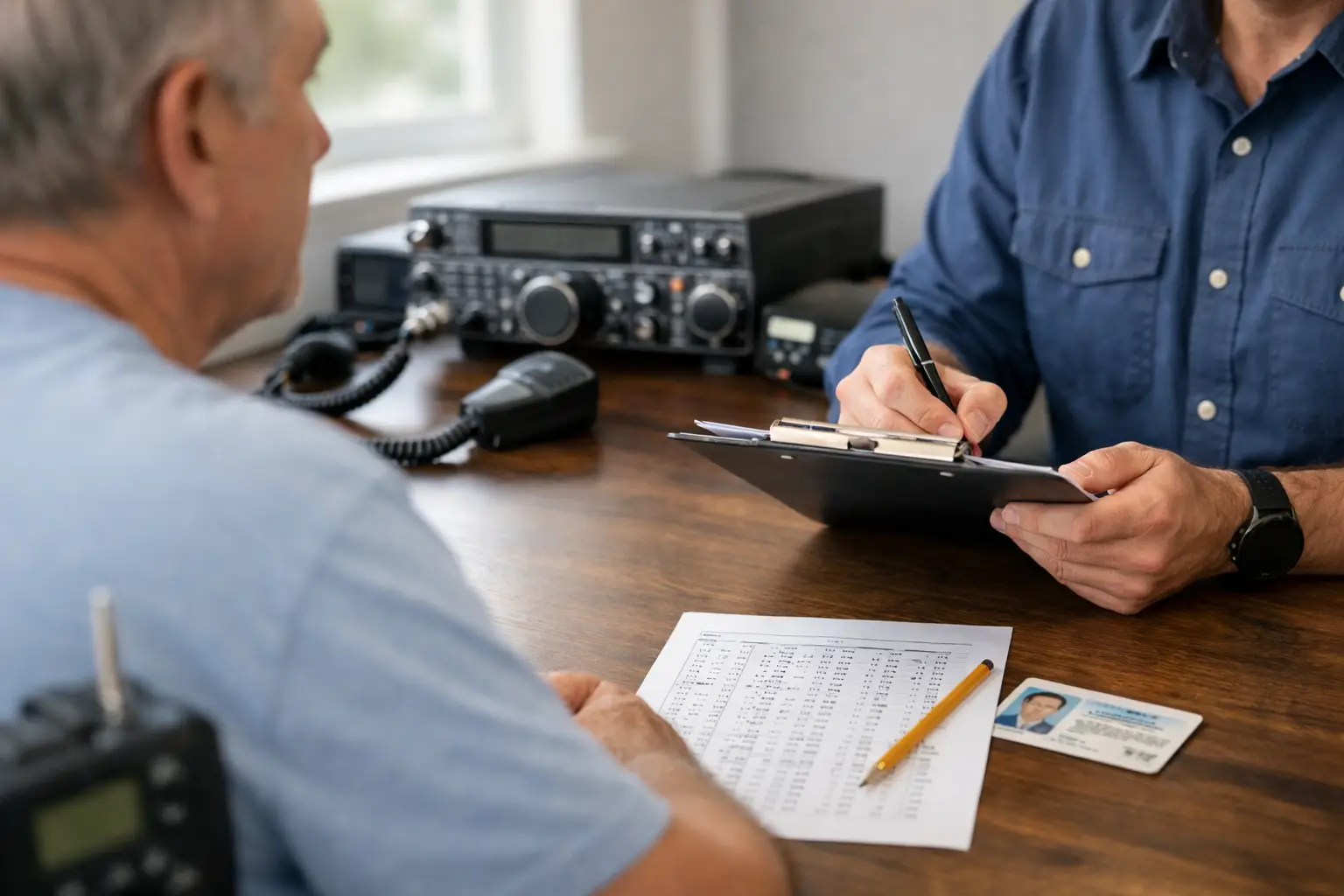
Join the online meeting at the time requested in your confirmation, often a few minutes before the appointment begins. The exam team will greet you, verify your identity, and review the session rules. You may be asked to show your photo ID, display your testing room, and confirm that your desk and nearby area are clear.
This step can feel formal, particularly for a first-time candidate, but it is routine. The examiners are there to administer a valid test and help the session run properly. Answer their questions clearly, follow directions one at a time, and let them know if you do not understand a request.
After the check-in is complete, the team will provide access to the exam. The number of questions depends on the element you are taking. Technician and General exams each have 35 questions, and you need 26 correct answers to pass. The Extra Class exam has 50 questions, and you need 37 correct answers.
Read every question carefully. If a question feels difficult, mark it for review if the exam system allows and continue. Spending too long on one question can increase anxiety, while moving forward often helps you regain focus. The questions come from published pools, so candidates who have studied with current materials should recognize the topics and format.
Do not assume that a remote session is less formal than an in-person one. Avoid speaking aloud, using unapproved devices, leaving the camera view, or communicating with anyone in the room. If an emergency or technical problem occurs, tell the proctors immediately and follow their direction.
Results, Paperwork, and Your Next Step
One of the most reassuring parts of an organized online exam appointment is prompt feedback. After you submit the exam, the Volunteer Examiners review the result and explain what happens next. If you pass, you will receive the appropriate documentation or instructions for the paperwork that will be filed with the FCC.
A passing score is exciting, but the FCC database update is a separate step. Your new license or upgraded privileges become official according to FCC processing and authorization rules. Follow the directions you receive from the exam team, and do not operate beyond your current privileges until you have confirmed you are authorized to do so.
If you do not pass on the first attempt, you are still making progress. Your result shows where additional study will help. Review the subject areas that gave you trouble, return to the question pool with a focused plan, and ask about the available retest options. Many successful operators remember a first exam attempt that taught them exactly how to prepare for the next one.
Common Issues to Avoid Before Your Appointment
A little preparation prevents most remote testing problems. Before exam day, avoid these common mistakes:
- Scheduling before you have an FRN or using registration details that do not match your ID.
- Joining from a shared, noisy, or cluttered space that cannot meet remote proctoring requirements.
- Waiting until the appointment begins to install the meeting software or test your webcam and microphone.
- Studying an outdated question pool or registering for a license element different from the one you intended to take.
The best appointment is not necessarily the earliest one available. It is the one that gives you enough time to study, test your setup, and arrive composed. Set aside a quiet hour, follow the instructions in your confirmation, and let your preparation speak for itself.