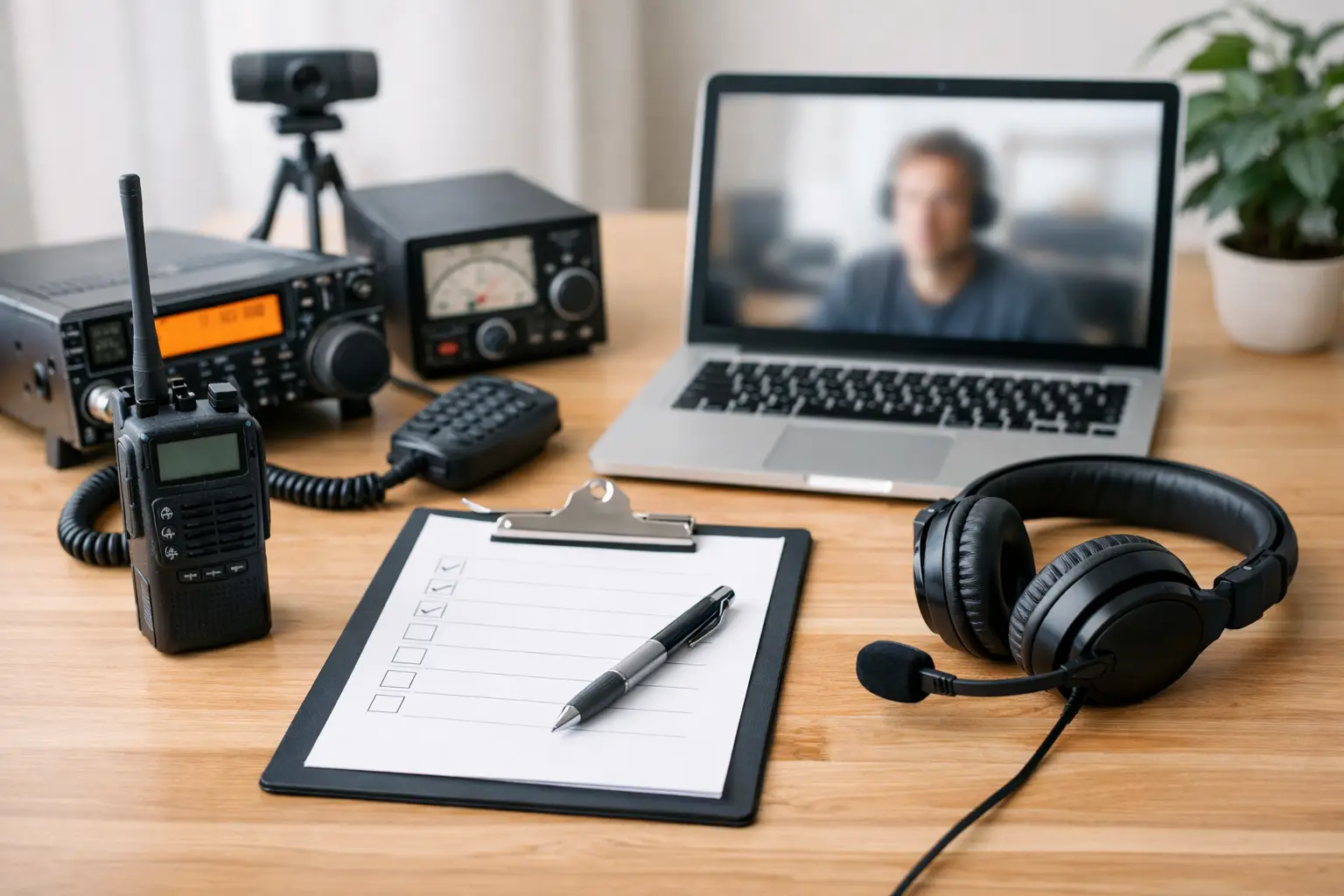
A remote amateur radio exam can be taken from a familiar room at home, but that convenience depends on arriving prepared. This remote testing equipment checklist helps you confirm that your technology, workspace, and identification are ready before your scheduled session begins.
Remote proctoring protects the value of every FCC amateur radio license. The process is designed to be fair for every candidate, whether you are earning your first Technician license or upgrading to General or Extra Class. A few simple checks ahead of time can prevent last-minute stress and let you focus on the material you studied.
Remote Testing Equipment Checklist
Start with the instructions provided for your specific exam session. Requirements can vary by testing team and platform, so those instructions always take priority over a general checklist. For an ARRL-certified remote session, candidates commonly need the following items ready before check-in:
- A desktop or laptop computer with a working webcam, microphone, speakers, and a reliable internet connection.
- A smartphone or tablet with a camera, charged and available for the room and equipment scan if your session requires it.
- A current, government-issued photo ID. Candidates without a photo ID should follow the testing team’s instructions for acceptable alternatives.
- Your FCC Registration Number, also called an FRN, if you are applying for a new license or upgrading an existing one.
- A quiet, private testing space with a clear work surface and enough lighting for the proctors to see you clearly.
- Any allowed testing materials, such as a basic calculator, provided they meet the instructions for your session.
Do not assume a device that works for video calls will work perfectly for testing. Test each item in the same location where you plan to sit for the exam. A quick check the day before gives you time to charge a device, update software, or move closer to your Wi-Fi router if needed.
Choose the Right Computer and Internet Connection
A computer is usually the center of the remote exam experience. Use a desktop or laptop rather than relying on a phone for the exam itself, unless your exam team specifically says otherwise. A larger screen makes it easier to read questions and review your answers, while a full keyboard and stable camera position simplify the proctoring process.
Your webcam should show your face clearly, without harsh backlighting from a window behind you. Place the computer on a stable table or desk, not on your lap, bed, or another surface that may shift during the session. If your webcam is built into the laptop, raise the laptop slightly if necessary so the camera is near eye level.
Internet quality matters more than raw speed. A wired Ethernet connection is ideal when available, but dependable Wi-Fi is often sufficient. Ask other household members to avoid streaming, gaming, or downloading large files during your appointment. Close unnecessary browser tabs and applications before joining the session, especially programs that may send pop-ups or compete for your computer’s audio and video resources.
If your connection drops briefly, stay calm and follow the proctors’ directions. Do not begin troubleshooting in ways that could create uncertainty about the testing environment. The testing team will explain the appropriate next step based on the situation.
Check Your Audio and Camera Before Exam Day
Join a test video meeting or use your computer’s camera settings to confirm that both the camera and microphone are working. Speak at a normal volume and listen through your speakers or approved audio setup. Your proctors need to communicate with you clearly throughout check-in and during the exam.
Avoid headphones, earbuds, smartwatches, and other devices that may not be permitted in a secure testing environment. Even if an item helps during an ordinary video meeting, it can create an avoidable compliance issue during an exam. When in doubt, set it aside and ask the testing team before your appointment.
Set Up a Room That Supports Exam Integrity
The best testing space is private, quiet, and simple. A home office, bedroom, or dining room can work well if you can close the door and keep interruptions away. Let family members, roommates, and pets know that you need uninterrupted time for the entire appointment, including check-in and any post-exam steps.
Clear your desk or table before the session. Remove papers, books, notes, second monitors, radios, tablets, and unrelated electronic devices unless the exam instructions specifically allow them. The goal is not to make your room look empty or formal. It is to make the testing area easy for proctors to verify and to remove any question about unauthorized materials.
Good lighting makes the room scan faster and more comfortable. Turn on a lamp or overhead light if your face is in shadow. At the same time, avoid pointing a bright light directly into the camera. A clear view of you and your workspace helps the session move along without unnecessary delays.
Your proctors may ask you to use a phone or tablet camera to show the room, desk, computer area, and other items in the space. Keep that mobile device charged and within reach, but do not use it for anything outside the requested room scan. Following directions carefully is the easiest way to keep check-in straightforward.
Bring Identification and Licensing Information
Remote testing requires more than working technology. Have your photo identification ready before you join the session. Do not wait until the proctors ask for it, then search through a wallet, filing cabinet, or another room. Your legal name should match the information associated with your FCC record or license application.
If you already hold an amateur radio license and are testing for an upgrade, make sure you know your call sign and have your FRN available. Candidates testing for their first license should obtain an FRN before the appointment if the instructions require it. This number is issued through the FCC’s registration system and is used to connect your exam result to the correct applicant.
Be especially careful if your legal name recently changed or if the name on your ID differs from your FCC record. Contact the testing team before exam day rather than hoping to solve a records issue during check-in. Clear information in advance saves time for you and for the volunteer examiners.
Know What Is Allowed Before You Sit Down
Many candidates worry about calculators, scratch paper, or reference materials. The right answer is always based on the rules for your specific remote session. Some materials may be allowed under defined conditions, while notes, study guides, printed question pools, and outside reference sources are generally not part of a secure exam environment.
Do not keep a second screen open for convenience. Do not leave a phone beside the keyboard after the room scan. Do not ask another person to remain nearby. These choices may feel harmless, but they can interrupt the session or lead to a problem with exam administration.
A basic calculator may be useful for some questions, particularly at higher license levels, but it should be permitted by the session instructions and cleared with the proctors when required. Prepare it before the exam rather than searching for one after check-in starts.
Run a Final Check 30 Minutes Before Your Session
Thirty minutes before your appointment, restart your computer if it has been running for a long time. This can clear background processes and help prevent surprise software updates or performance issues. Then plug in your computer and mobile device, even if both appear to have plenty of battery remaining.
Set out your ID, FRN, and any approved calculator. Clear the desk again. Confirm that the room door can remain closed, notifications are silenced, and your phone or tablet is ready for the requested scan. Join the meeting at the instructed time, not excessively early, and wait patiently for the exam team to admit you.
Middle Tennessee Exams works to make remote amateur radio testing organized, welcoming, and fully compliant. The best way to support that process is to arrive with your equipment ready and your space prepared.
Your exam session is a meaningful step toward joining or advancing in the amateur radio community. Give yourself a calm start: check the technology, follow the session instructions, and sit down knowing that the practical details are already handled.