A remote amateur radio exam removes the drive to a testing site, but it does not remove the need to prepare. In fact, a thoughtful exam day checklist for candidates can make the difference between beginning calmly and spending the first few minutes hunting for an ID, adjusting a camera, or troubleshooting audio.
The good news is that most exam-day issues are preventable. Set aside a little time before your scheduled session to prepare your equipment, workspace, paperwork, and focus. Then you can give your attention to the Technician, General, or Extra Class questions in front of you.
Start With Your Session Instructions
Every remote exam team follows an approved process, and the instructions sent with your appointment are your primary source of truth. Read them well before exam day, not five minutes before your Zoom session begins. Pay close attention to the requested arrival time, identification requirements, device expectations, fees, and any rules about calculators, scratch paper, or other materials.
Remote proctors must verify both your identity and the integrity of the testing environment. That process may include showing your desk and surrounding room on camera, keeping your webcam on throughout the session, or sharing your screen when requested. These steps are not meant to make testing difficult. They help protect the value of every FCC amateur radio license.
If a requirement is unclear, ask before your session. A quick question in advance is far less stressful than trying to resolve a problem when the exam is about to start.
Exam Day Checklist for Candidates: Documents and Details
Put the items you need in one place the night before. You do not want to be searching through a wallet, desk drawer, or email inbox while your session is waiting to begin.
Have your valid government-issued photo ID ready. Also confirm that you know your FCC Registration Number, or FRN, if one is required for your exam. First-time applicants should make sure they have completed the required registration steps before the session. If you are upgrading, verify your current callsign and license details so you can provide accurate information on your application.
Keep your appointment confirmation available as well. It should include the scheduled time and joining details for the remote session. Confirm the time zone, especially if you scheduled with an exam team serving candidates across the country.
Finally, use the name that matches your identification when completing paperwork. A mismatch caused by a nickname, middle name, or recent name change can slow down processing. If you expect a discrepancy, contact the exam team before test day so you know what documentation may be needed.
Prepare Your Technology Before the Session
A reliable computer and internet connection are central to a smooth online exam. A phone may be useful as a backup communication tool, but it is usually not the best primary device for a proctored test. Use a desktop or laptop that meets the requirements in your session instructions and has a working camera, microphone, and speakers.
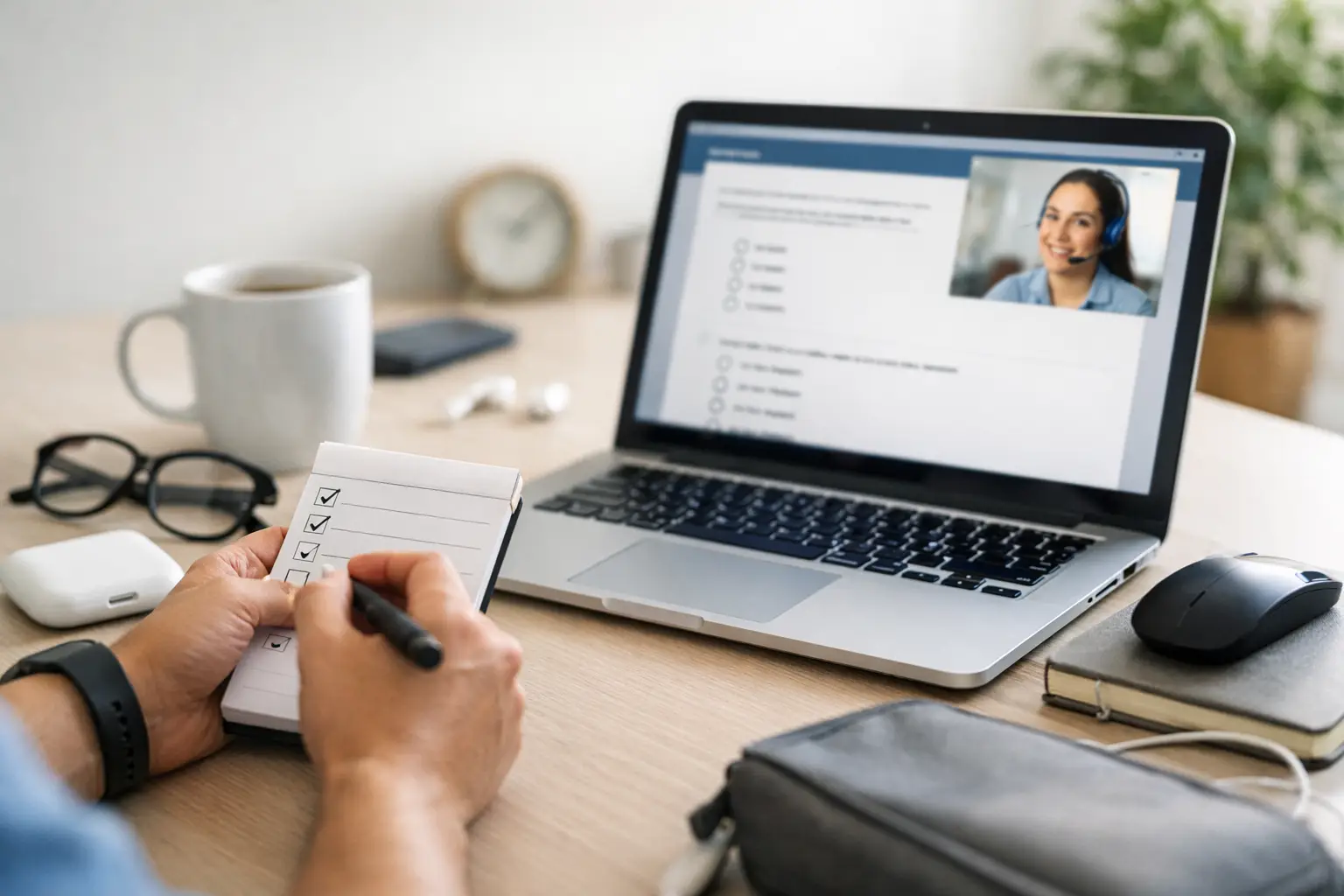
The day before your exam, test the platform you will use. Open Zoom, sign in if needed, and make sure the app is updated. Check that your camera image is clear and that your microphone is picking up your voice without loud echoes or background noise. If your computer has more than one camera or microphone, select the correct one before the session begins.
A wired internet connection is ideal when available, though a stable Wi-Fi connection often works well. The practical question is whether your connection is dependable. If your home internet occasionally drops out, move closer to the router, ask others in the home to avoid heavy streaming during your session, or consider another suitable location that meets the room requirements.
Before you join, close unrelated programs, browser tabs, messaging apps, and notifications. This reduces distractions and prevents a surprise pop-up from appearing while you are screen sharing. Charge your laptop or keep it plugged in, and have a power source nearby if one is permitted in your testing setup.
Set Up a Quiet, Clear Testing Space
Your testing location should be private, quiet, and free of interruptions. Pick a room where you can close the door and where other people, pets, television audio, and household activity are unlikely to pull your attention away from the exam.
Clear your desk or table before the session. Remote testing standards require proctors to see that no unapproved notes, books, radios, phones, or other reference materials are within reach. A clean workspace also helps you feel more settled. Leave out only the equipment and materials specifically allowed by your exam instructions.
Think about the camera view, too. You should be able to show your face clearly and, when asked, move the camera to give the proctor a reasonable view of your testing area. Good lighting matters. Avoid sitting with a bright window directly behind you, which can turn your camera image into a silhouette.
Let household members know that you are testing. Ask them not to enter the room, call you, or use the same space until the session is complete. If you live with others, a simple note on the door can prevent an accidental interruption at the worst possible moment.
Give Yourself a Calm Arrival Window
Plan to be ready early. You do not need to sit anxiously at your computer for an hour, but you should allow enough time to restart a device, resolve a login issue, or make a final adjustment to your camera. Being fully set up 15 to 20 minutes before your appointment creates breathing room.
Use that time wisely. Review the joining instructions, silence your phone, use the restroom, and get a glass of water before the session begins. Once testing starts, follow the proctor’s instructions rather than assuming you can step away or retrieve an item.
Avoid cramming new material in the final few minutes. A short look at formulas or band privileges may help some candidates, but frantic studying can raise anxiety without improving recall. If you have prepared consistently, trust that work. Your job on exam day is to read carefully and apply what you know.
Know What to Expect During Remote Proctoring
The exam team will guide you through the process, including identity verification, room inspection, paperwork, and test access. Listen closely and answer questions directly. If you cannot hear an instruction or are unsure what the proctor means, say so right away.
You may be asked to adjust your camera or show part of your room more than once. That can feel unfamiliar, particularly for first-time candidates, but it is a normal part of maintaining a fair remote testing environment. Cooperation helps the session move efficiently for everyone.
During the exam, read each question fully before choosing an answer. Amateur radio exams sometimes include wording that rewards careful attention to the specific situation being asked about. If the testing system allows you to review marked questions, use that feature for items where you are genuinely uncertain. Do not let one difficult question consume time you could use to complete the rest of the exam.
If a technical problem occurs, stay calm. Tell the proctor what happened and follow their direction. Do not try to solve an issue in a way that could conflict with testing rules, such as switching devices or reopening materials without permission. A professional exam team would rather help you address a problem than have you guess.
Bring the Right Mindset to the Chair
Nerves are common, even for experienced operators upgrading from General to Extra. Feeling nervous does not mean you are unprepared. It usually means the result matters to you.
Treat the exam as one step into a larger amateur radio community. A passing score opens new operating privileges and learning opportunities. If you do not pass on the first attempt, it does not erase the knowledge you have gained or your interest in the hobby. Your exam team can explain the next steps, and you can return with a clearer picture of what to study.
Middle Tennessee Exams is built around making remote testing organized, legitimate, and welcoming. Prepare your space, arrive with your documents ready, and let the proctoring process do its job. Then take a breath, read one question at a time, and give yourself the fair opportunity you prepared for.