A missed detail can create more stress than a difficult question. Having the right essential items for exam day ready before your scheduled amateur radio exam lets you focus on what matters: demonstrating the knowledge you have worked hard to build.
For an online FCC amateur radio exam, preparation is about more than reviewing question pools. You also need to be ready for identity verification, remote proctoring, and a testing space that meets the session requirements. A short check the day before can prevent last-minute scrambling and help your exam begin on time.
Essential Items for Exam Day: Your Core Checklist
Every remote exam session follows established procedures designed to protect the integrity of the test and make sure results can be processed correctly. Your Volunteer Examiner team will provide specific instructions for your session, and those instructions should always take priority. In general, have these items prepared before you join the online meeting:
- A current, government-issued photo ID, such as a driver’s license, passport, or state ID card
- Your FCC Registration Number (FRN), if you already have one
- A working computer with a camera, microphone, and reliable internet connection
- A second device, if your session instructions require one for the room or desk view
- Your testing fee, if it has not already been paid as part of registration
- A quiet, private testing area with a clear desk or table
- Any permitted materials specified by the exam team, such as a basic calculator
It is wise to place your ID, FRN information, and device chargers in one spot the night before. This is especially helpful if you are testing before work, after a busy day, or from a location that is not your usual home office.
A valid photo ID
Identity verification is not a formality. It is a required part of a properly administered amateur radio examination. The name on your identification should match the information you provide during registration. If you have recently changed your name or see a mismatch in your records, contact the testing team before exam day rather than hoping to resolve it during the session.
Candidates who are under the age of 18 may have different identification options. Ask ahead of time if you have questions about what documentation will be accepted. A quick clarification before the appointment is much easier than a delayed session.
Your FCC Registration Number
An FRN is a unique number issued through the FCC’s registration system. New applicants generally need an FRN before taking an amateur radio exam, while licensed amateurs should use their existing FRN when upgrading from Technician to General or from General to Extra.
Write the number down or keep it in an easily accessible file. Do not rely on memory, particularly if you have not used it recently. Accurate applicant information helps the Volunteer Examiners submit your paperwork promptly after a successful exam.
The Right Technology for an Online Exam
Remote testing offers the convenience of taking a nationally recognized exam without traveling to an in-person location. That convenience depends on a few practical technology checks.
Use a laptop or desktop computer whenever possible. A larger screen makes it easier to follow instructions, view the exam interface, and communicate with the proctors. Test your camera and microphone beforehand, and make sure the device has enough battery power or is connected to a charger.
A stable internet connection matters just as much as a working computer. If possible, test from the same location and network you plan to use for the exam. Avoid public Wi-Fi, crowded shared networks, or places where a family member may begin streaming video or downloading large files during your appointment.
Many online exam processes also require a second device, often a smartphone or tablet, to provide a view of your workspace. This helps proctors confirm that the testing area is secure. If your instructions call for a second device, charge it fully, install any required meeting software in advance, and make sure it can connect to the internet independently if needed.
Do a simple equipment check
About 15 minutes of preparation can eliminate common technical issues. Open the video meeting platform, check that your camera produces a clear image, and confirm that your microphone can be heard. If you will use a phone as a second camera, decide where it will sit so it can show your desk and surrounding area without falling over.
Close unrelated browser tabs, apps, notifications, and messaging programs before the session. You want your computer running smoothly, but you also want to avoid distractions or anything that could raise questions during remote proctoring.
Create a Testing Space That Supports You
Your testing space does not need to be elaborate. It does need to be quiet, private, and easy for the exam team to inspect. A kitchen table, home office, or other uncluttered room can work well when it is prepared thoughtfully.
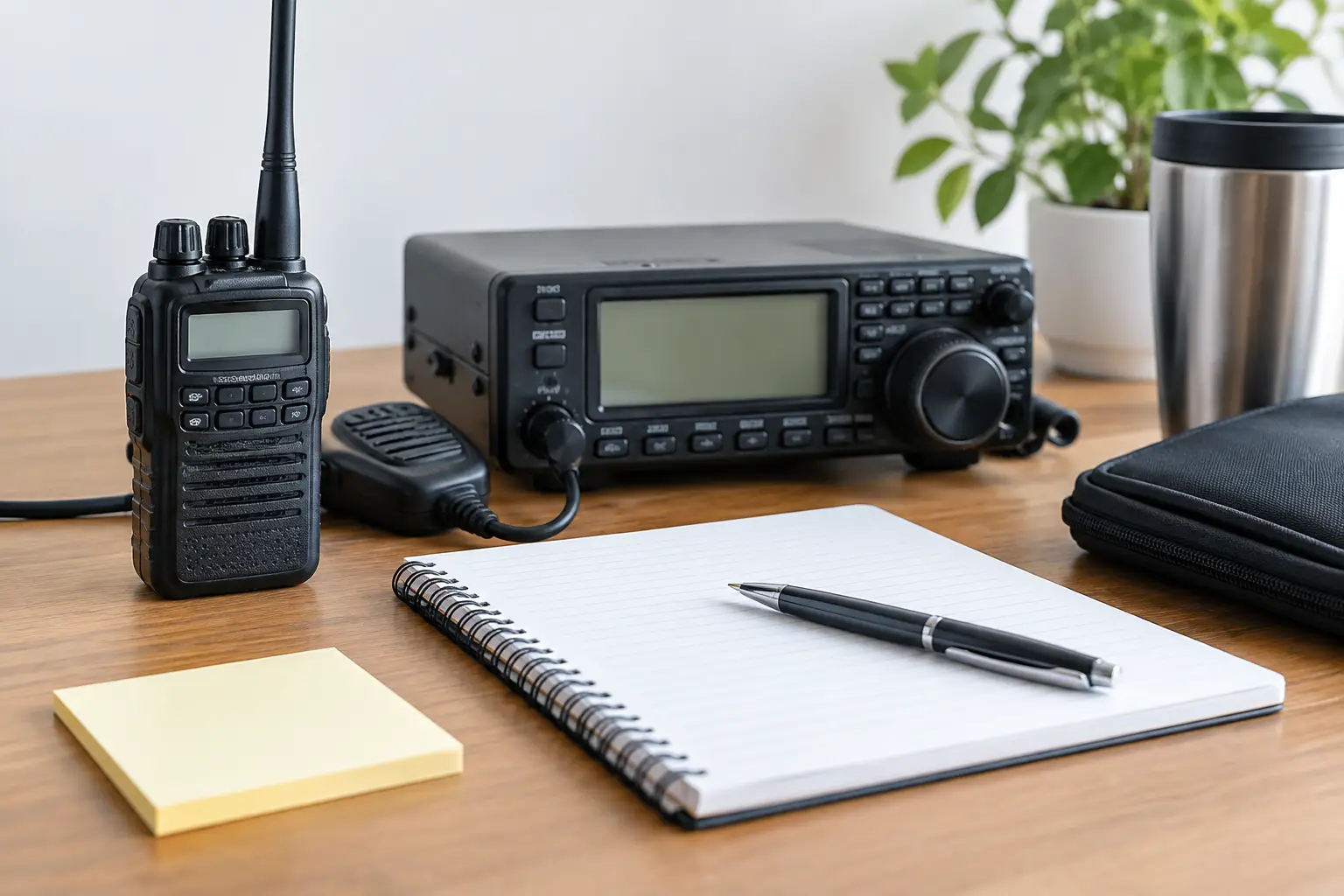
Clear the desk or table of books, notes, radios, extra monitors, papers, and other materials that are not expressly permitted. Remote proctors may ask you to show the room, desk surface, and area around your computer before the exam begins. A clean space makes this part quick and straightforward.
Tell household members when you will be testing. Ask them to avoid entering the room, speaking to you, or creating unnecessary noise during the appointment. If pets are likely to demand attention, arrange for someone else to handle them for the duration of the session.
Lighting is worth checking, too. Your face and photo ID should be clearly visible on camera. A lamp in front of you or light from a nearby window can help, while a bright window directly behind you may make your image difficult to see.
What to Bring, and What to Leave Off the Desk
The best approach is simple: only have items that the session instructions permit. A basic calculator may be allowed for certain calculations, but calculator policies can vary. If one is permitted, use a simple standalone calculator and be prepared to show it to the proctors. Do not assume that a calculator app on a phone is acceptable, particularly if that phone is also being used as a camera.
Scratch paper, pencils, reference materials, formula sheets, and electronic devices are often restricted in remote testing environments. The amateur radio exam is designed to assess your knowledge under standardized conditions, so even well-intentioned items can create a problem if they are not approved in advance.
Keep water nearby only if your testing team allows it, and choose a container with a lid to protect your equipment. Avoid eating during the session. The goal is a professional, distraction-free environment that lets both you and the Volunteer Examiners stay focused.
Prepare Yourself, Not Just Your Desk
The night before, avoid turning your final review into an all-night study session. A rested candidate usually reads questions more carefully and makes better decisions than someone who is exhausted and rushing. Review areas where you need confidence, then give yourself time to sleep.
On exam day, eat something light, arrive at your computer early, and keep your phone muted unless it is serving as the required second camera. Join the meeting at the requested time, not hours ahead, and be ready to follow directions from the exam team.
If you are nervous, remember that nerves are normal. First-time Technician candidates often feel uncertainty about the process, while upgrade candidates may feel pressure to prove they still know the material. In both cases, the exam team is there to administer a fair, organized session, not to make the experience harder than it needs to be.
If Something Is Missing or Goes Wrong
Do not wait until the start of the appointment to mention a concern. If you cannot locate your ID, are unsure about your FRN, have a weak internet connection, or need clarification on a required device, contact the testing provider as soon as possible. Early communication gives everyone more options.
Technical interruptions can happen even with good preparation. Stay calm, follow the proctors’ instructions, and do not try to solve the issue by opening unapproved programs or changing your setup without permission. Clear communication protects both your testing experience and the integrity of the exam.
MidTENN Nationwide Testing is built around making remote amateur radio exams convenient while maintaining the standards candidates and the amateur radio community expect. A prepared workspace and a few minutes of advance planning help that process work as intended.
Your license can open the door to local repeaters, public service, emergency communications, technical experimentation, and new friendships on the air. Set out your ID, confirm your equipment, clear your desk, and give yourself the calm start your exam day deserves.