A remote amateur radio exam should not feel like a mystery on test day. Once you have studied for your Technician, General, or Extra Class license, a few minutes spent confirming the appointment can prevent avoidable delays. Knowing how to verify exam session details means you can join with confidence, protect your scheduled time, and keep your attention where it belongs – on the questions.
Start with your appointment confirmation
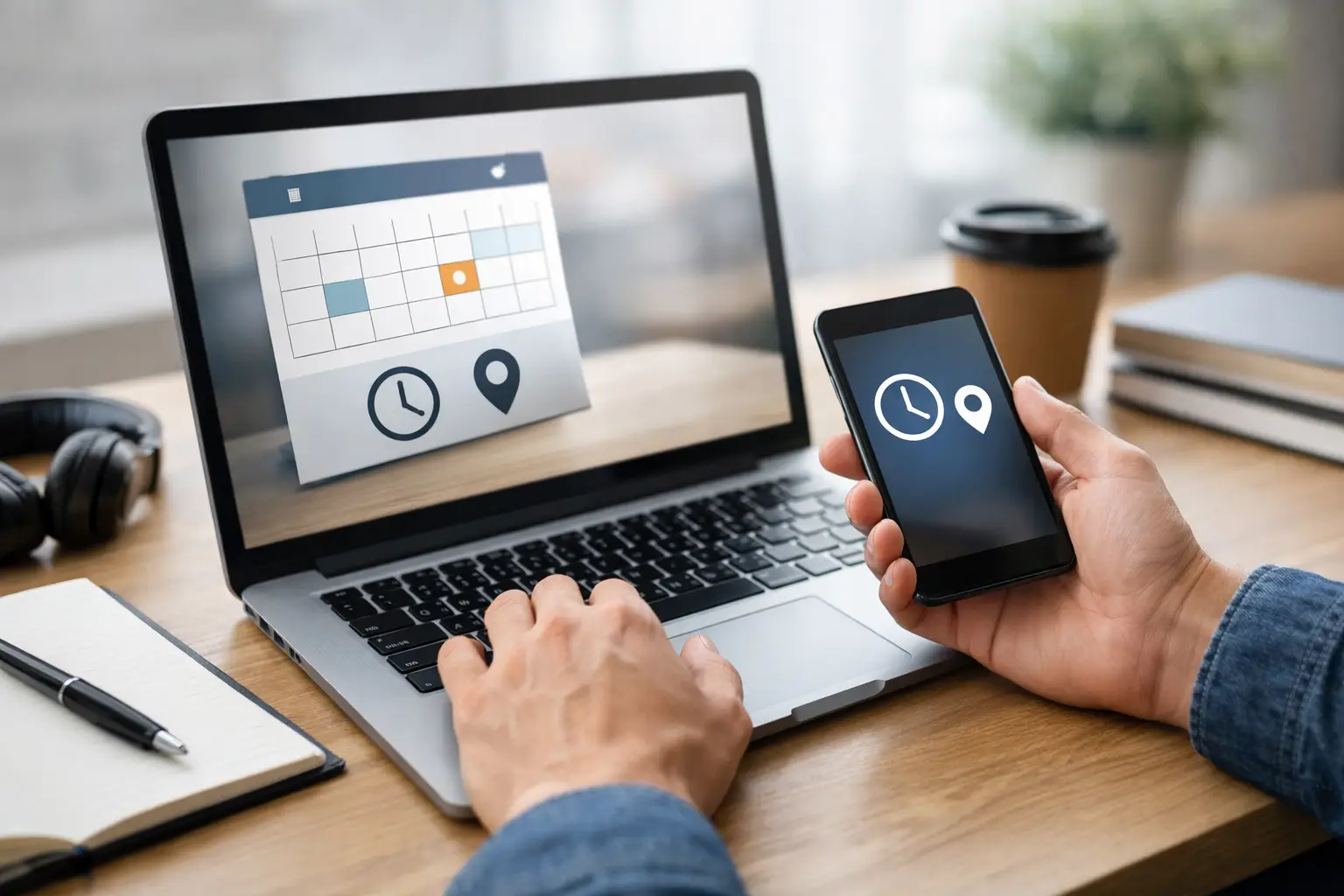
Your appointment confirmation is the source of truth for the date, time, and instructions for your session. Find it as soon as you schedule, then read it again the day before your exam. Do not rely only on a calendar reminder, especially if you scheduled weeks ago or selected a time in a different time zone.
Confirm the exam date, your scheduled start time, and the time zone listed in the message. Online sessions may ask candidates to arrive early for check-in, identity verification, and workspace review. Your exam start time and your requested arrival time are not always the same thing. Plan to be fully ready at the requested check-in time, not just turning on your computer then.
If you cannot find the confirmation, check spam, promotions, and any email address you may have used while scheduling. Search for the testing organization name and words such as “exam,” “appointment,” or “Zoom.” If the details still are not available, contact the testing team before test day rather than guessing.
Make sure you are registered for the right exam
Verifying an exam session also means checking that the appointment matches your licensing goal. First-time applicants typically take the Technician exam. Current licensees may be scheduled for a General or Amateur Extra upgrade. If you are taking more than one element in the same sitting, make sure the session information reflects that plan or that you understand the team’s procedure for successive exams.
Review the name on your registration as well. It should match the legal photo identification you will present during check-in. A small typo may be easy to correct in advance but can slow the process if it is discovered when the session begins.
If you already hold an amateur radio license and are testing for an upgrade, have your call sign and license information available. The volunteer examiner team will tell you what documentation is needed for your situation. Candidates who have passed a previous element but have not yet received their new FCC license should confirm ahead of time which proof of passing is acceptable.
Check the session format, not just the time
A legitimate remote exam uses a structured proctoring process. Read the instructions that explain how your session will be conducted, including the video platform, identification check, room scan, and testing rules. These steps support the integrity of an FCC examination and help ensure every candidate is treated fairly.
MidTENN Nationwide Testing provides ARRL-certified remote examinations with clear instructions designed to make the process organized and approachable. The goal is not to make candidates uncomfortable. It is to confirm that the test is administered under the required standards while allowing you to test from home.
Verify your technology before exam day
A working internet connection is only one part of a successful online testing setup. Check the specific technical requirements in your appointment instructions. In many cases, you will need a computer with a webcam, microphone, and speaker, along with the ability to join the required video meeting platform.
Use the same computer and internet connection you expect to use for the exam. Restart the device if it has been running for a long time, install pending updates well before the appointment, and close applications that may compete for bandwidth or send distracting notifications. Avoid testing on a borrowed computer unless you have already confirmed that its camera, audio, and permissions work properly.
Open the meeting platform ahead of time if the instructions allow it. Make sure the correct account is available, the camera image is clear, and the microphone can be heard. A wired connection can be helpful when available, but a stable Wi-Fi connection is often sufficient. What matters most is reliability. If your home internet is inconsistent, choose the most dependable location in your home and ask others not to stream, game, or download large files during your appointment.
Do not assume a phone or tablet can replace a computer. Device rules depend on the testing process, and some platforms or proctoring procedures require a larger screen or specific capabilities. When in doubt, verify the requirement with the testing team before the session.
Prepare an exam-ready workspace
Remote proctoring requires a private, quiet space where the volunteer examiners can confirm that no unauthorized materials or assistance are available. This is one of the most common details candidates overlook when learning how to verify exam session readiness.
Choose a room with a door if possible. Let family members, roommates, and visitors know that you cannot be interrupted. Keep pets in another area for the duration of the session if you can. A sudden interruption may require the team to pause or end the exam, depending on the circumstances.
Clear the desk or table where you will test. Put away books, notes, extra screens, smart devices, and anything else that is not permitted by the session instructions. You may be asked to show your workspace and the surrounding area with your camera. This is routine, and preparing the room in advance makes it quick and low-stress.
Lighting matters too. Sit where your face and photo ID can be clearly seen, preferably with a light source in front of you rather than directly behind you. Avoid a busy virtual background. A simple, well-lit setting makes identity verification easier for everyone.
Have your identification and materials ready
Set out your government-issued photo ID before the appointment. Verify that it is current, readable, and shows the same name used for registration. If the instructions request another document or applicant information, place it nearby so you are not searching for it during check-in.
Most candidates should also know their FCC Registration Number, commonly called an FRN. If you do not have one yet, follow the instructions provided by the testing team to obtain it before your session. An FRN is used for FCC licensing transactions, so having it ready helps keep paperwork accurate after you pass.
Only bring materials specifically allowed by the exam instructions. For example, the session may explain whether a simple calculator is permitted and how it must be shown to the examiners. Do not keep study guides, handwritten notes, formula sheets, or other reference materials on the desk “just in case.” Amateur radio license exams are closed-book examinations.
Treat check-in as part of the appointment
Check-in is not a formality to rush through. It is the time when the team verifies your identity, confirms your paperwork, reviews your room, and explains the testing procedure. Joining late can reduce the time available to resolve a technical issue or, in some cases, mean you need to reschedule.
Aim to join a few minutes before the stated check-in time with your ID, FRN, and device already prepared. Keep your phone out of reach unless the team specifically instructs you to use it for a step in the process. If a connection problem occurs, stay calm and follow the contact or rejoin instructions from your appointment message.
What to do when a detail does not match
Do not wait until exam day if your confirmation has the wrong name, wrong exam element, missing meeting information, or a time you cannot attend. Reach out as soon as you spot the problem. Earlier notice gives the testing team the best chance to correct information or help you move to another available session.
Be specific in your message. Include the name used to schedule, the appointment date and time, and a brief description of what needs attention. Never send more personal information than the team requests, but providing the basic appointment details helps them locate your registration quickly.
If your situation changes unexpectedly on test day, use the contact method included in your confirmation. A professional testing team understands that technology and life can be unpredictable. Clear communication is far more helpful than a no-show or a last-minute attempt to improvise around the exam rules.
A simple final check the night before
The night before your test, reopen the confirmation and confirm the time zone, meeting access details, exam level, and check-in instructions. Place your ID where you will not forget it, clear your testing area, charge your computer, and verify that someone else will not need your internet connection for a high-bandwidth activity.
Then give yourself credit for preparing well. A verified session does not guarantee every question will feel easy, but it removes the preventable distractions that make an exam feel harder than it needs to be. When you join on time in a ready workspace, you can focus on earning the amateur radio privileges you have worked for.